
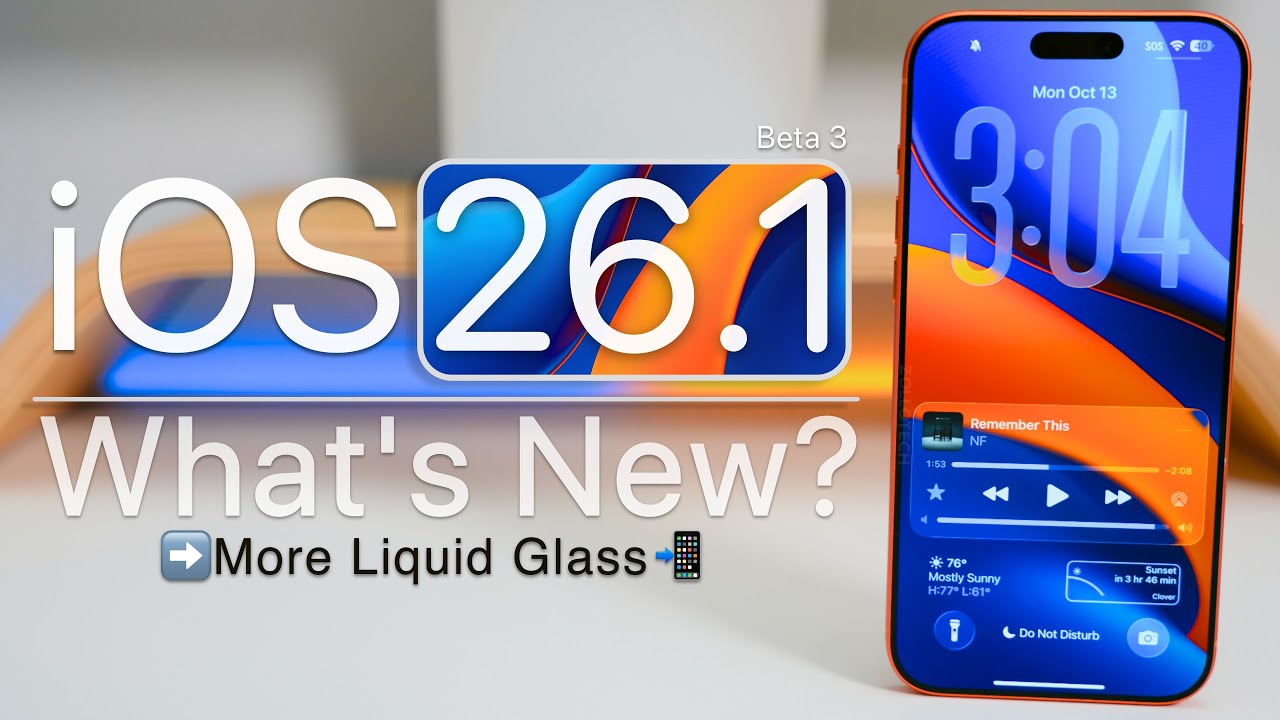
iOS 26.1 Beta 3 and macOS Tahoe 26.1 Beta 3 are the latest test versions that users can download and install. These updates bring a lot of good news, as they correct errors, improve the performance of the systems, and prepare them for the arrival of large new features, especially in artificial intelligence (AI).
The current edition is a refinement of phase one. In other words, Apple has stopped adding new features for the moment. It is a practice of finishing by smoothing everything out and making the software stable for all users. The public releases of iOS 26.1 and macOS 26.1 should be coming out very soon, maybe by late October or early November 2025.
Important Information for Developers and Managers
The software upgrade reveals the four key aspects of Apple’s strategy that they are pursuing:
- AI is Becoming More Versatile: Apple is modifying its system code so that it can support various AI partners instead of just one (e.g., ChatGPT). Therefore, their AI system is a flexible intermediary ready to collaborate with any major AI model in the future.
- Privacy and Use-Value: An innovative feature named Local Capture allows you to record top-notch audio and video of your calls. The most significant thing is that these recordings remain only on your device and nowhere else. There is no uploading to the cloud. Your data remains private.
- Improving the User Interface: Some users who tried the Liquid Glass design claimed that it was very difficult to read due to the fact that it was overly transparent. Apple is responding to their criticism. They are making less transparent parts of the screen to allow better reading and higher contrast.
- macOS is Getting Stable: The update for the Mac is almost entirely committed to the system’s stability. It addresses a variety of issues that infect the system code at the core of hardware and software interactions; thus, fixes like these can be responsible for a significant performance increase, especially in gaming, which is a big platform for Mac, and there has been huge growth lately there.
New Features in iOS 26.1 Beta 3
Local Capture: Record Calls Easily and Privately
Local Capture is a major feature for people who have to record their calls, journalists, podcasters, content creators, etc.
With it, one can create a very high-quality audio and video recording of a call made via FaceTime or a regular phone call.
The thing that most people will love about it is the place where the recordings are put: your Files app on your device is the location where the recordings are stored. The recordings are not sent to an external cloud. It thus offers you the full control of the recordings, and their privacy is ensured.
With this beta update, Local Capture gets a dedicated control panel in the Settings app. You can decide the location for saving the files, set recording to audio only, and if you are using an external microphone, you can even adjust the gain level. Essentially, these are the controls used at a professional level.
Better Ways to Use Your Phone
- Custom Workouts: The Fitness app is now able to let you create your own customized workout plans. Types of workouts, duration of the workout, calories to be burned, and the level of the workout are the aspects that can all be set by you.
- The “Slide to Stop” Alarm: Apple has changed the way you turn off your alarm. Now, in order to turn off the alarm, one has to intentionally do a “Slide to Stop” on the Lock Screen. What a simple tap does is just snooze the alarm. By doing this, the company is preventing a user from accidentally turning off the alarm when what he meant was to snooze it. It helps the user to be more deliberate in his/her actions.
Security Updates are Clearer
Apple is getting rid of the Rapid Security Responses (RSR) it used in the past and introducing a new system called Background Security Improvements.
This system takes care of security fixes that are very small automatically and does not require the user to make a full system update.
What is most essential is that this beta enables users and IT managers to manually uninstall a particular security update if it is the source of a problem. In this way, large enterprises and users under strict regulations gain more control and insight into their security management process.
The Look of the System is Changing
Liquid Glass is Easier to Read
The fancy but at times hard-to-understand Liquid Glass design is being changed.
Apple is lessening the transparency of the parts of the screen, like the bars at the top and bottom of apps (navigation bars). This assists in making the text more readable and the contrast better for everybody.
Also, notifications receive less transparent backgrounds to ensure that the text is still visible. This is a demonstration that Apple is very concerned about the usability and accessibility aspects rather than just the visual appearance of the product.
Icons and Alignment are Cleaner
- The Apple TV app icon gets a lighter and more vibrant look with the blue color features standing out. It replaces the previous flat gray design.
- The core system settings and folder titles are not only changed but also improved by proper alignment, which now goes all the way to the left of the screen. This gives the system a cleaner and more uniform look.
- On the iPad, the handy multitasking method Slide Over, which enables you to slide the interface of the second app over the first one, is definitely back in good shape.
- On the Mac, the perplexing and heavily criticized Macintosh HD icon has undergone a change, with a new, more explanatory, and clearer design replacing the old one.
Preparing for a Future AI Strategy
The biggest change in the distant future is not visible but is located in the system code. Apple is deleting a fixed name of an AI partner (like “ChatGPT”) and putting instead the general term “Third Party.”
This is a big strategic decision. It is an indication that Apple is developing an AI base layer that will be able to link with various external AI models like Google Gemini without any problem.
In this way, Apple does not put all its eggs in one basket. They get competitive pricing, and they retain control over the user experience and privacy, regardless of which AI is being utilized. The large rollout of different AI options is being anticipated in a subsequent update, probably iOS 26.2.
The third beta of macOS Tahoe 26.1 is more stable.
The Mac update is largely about stability for developers, and in particular for those who make games.
- Better Gaming Control: The most severe bugs in the Game Controller framework have been fixed. This guarantees that controllers work without input lag and that the timing data is very accurate. It is very important to keep the Mac growing into a great platform for high-performance, low-latency games.
- Asset Management Fixed: There was a bug in the app that made it difficult to locate files even though they were already saved locally, which has now been resolved. This is very important for apps that deal with huge amounts of pre-downloaded content.
Performance and Release Outlook
Faster and Smoother Performance
The new beta performance testing shows that the performance is improving slowly but surely. Benchmarking results show incremental but consistent improvements in speed. This means that users will experience real-world improvements like smoother scrolling, faster app launching, and better thermal management (less heat) on the newest iPhone models.
When is the update scheduled to be released?
Since the main emphasis of this beta is on fixing issues and improving the stability, it practically means that the final version is very close. A public release of iOS 26.1 and macOS 26.1 is anticipated to take place in late October or early November 2025.
This update is a very important move to not only stabilize the current systems but also to get the platform ready for the big multi-vendor AI features that will be coming in the next major cycle, 26.2.
Summary
iOS 26.1 Beta 3 and macOS Tahoe 26.1 Beta 3 are not about the massive launch of new tools; rather, they are about refining the foundation and future-proofing the platform.
Apple is correcting the legibility problems of the Liquid Glass design, which is one of the issues identified by the users. They provide Local Capture as a privacy-focused utility to content creators, thus adding valuable features from a privacy perspective.
Most strategically, they are creating the code framework that is necessary for a flexible, powerful multi-partner AI ecosystem to be able to work in the future. This is a way of ensuring that the platform remains stable, handy, and compatible with the next big wave of AI technology.